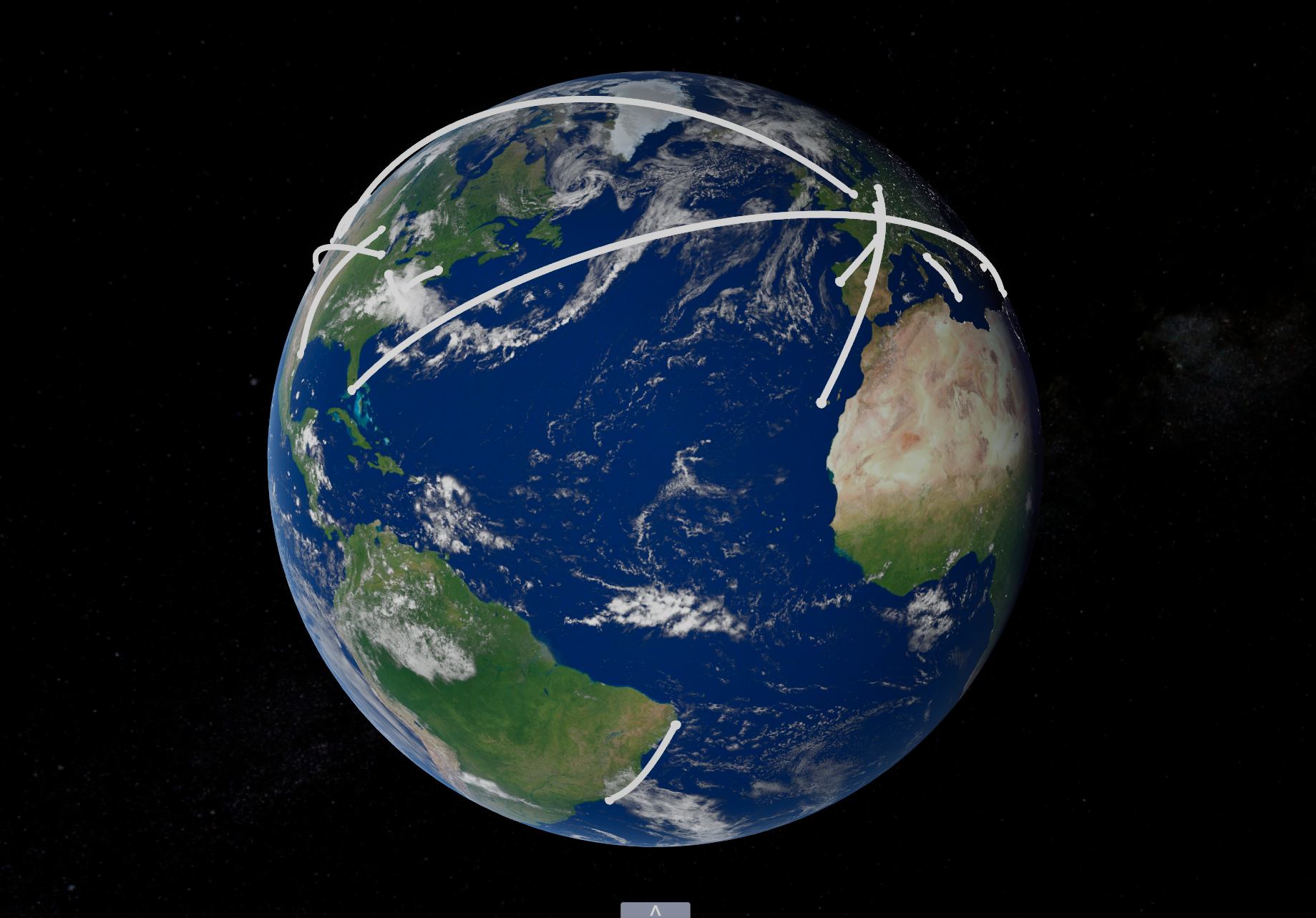
Flight Visualizer
Controls
- Look - Left Mouse Button (on earth) and drag
- Zoom - Mouse Scroll Wheel
Features
- Import and export a CSV file of flights.
- Can hover over a visualized flight and see information about said flight.
- You can type random into the flight input field and display a random flight.
On the webgl build when clicking import or export you have to click anywhere again for the menu to pop up, don't know what causes this